
Move people through your pipeline
See every deal by stage and move a card when something changes.
How-to2 minChecked against ERIX on
Your pipeline is the path from first enquiry to paid. ERIX set one up for your business type, for example Enquiry → Consultation Booked → Consultation Done → Treatment Plan Shared → Treatment Started for a clinic.
Step 1. Open Customers › Deals (Patient journey, Deal pipeline…) and pick a pipeline. Select Board to see a column per stage, with the value of each.
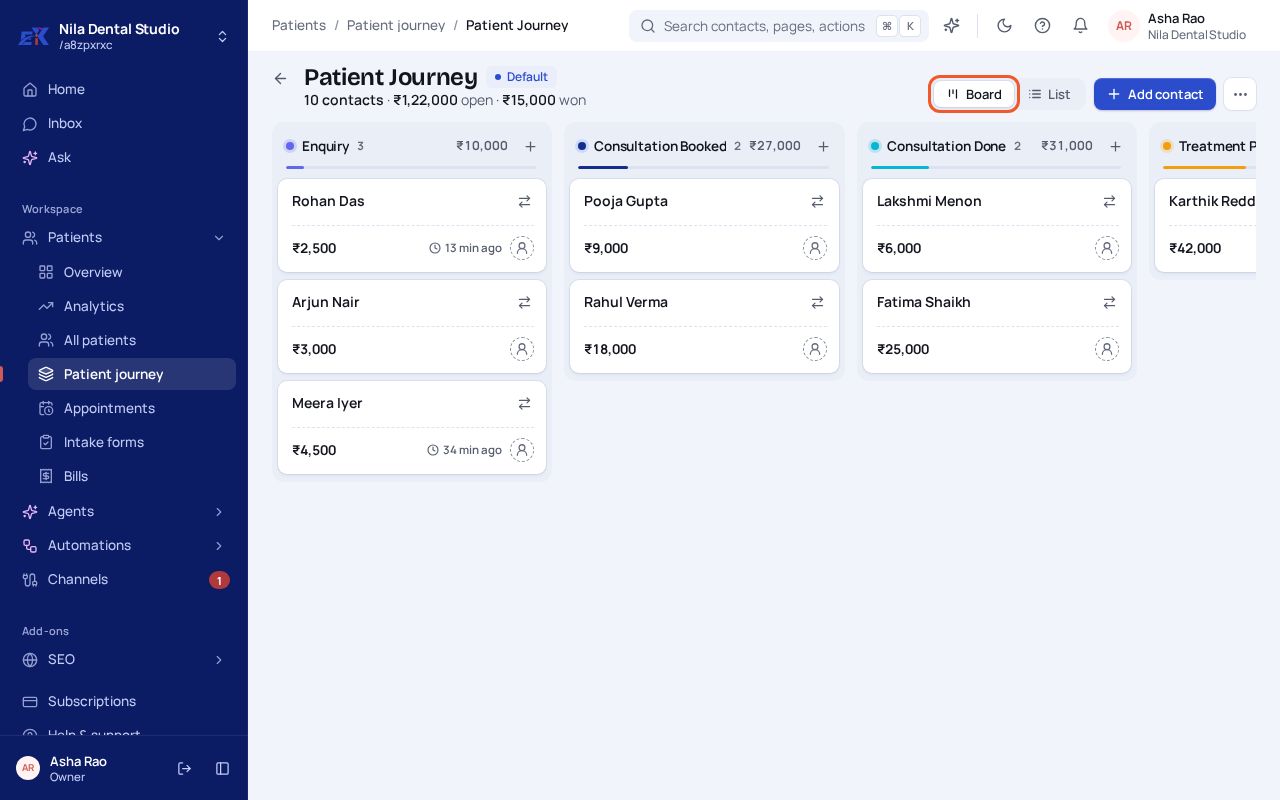 (opens the full-size image)
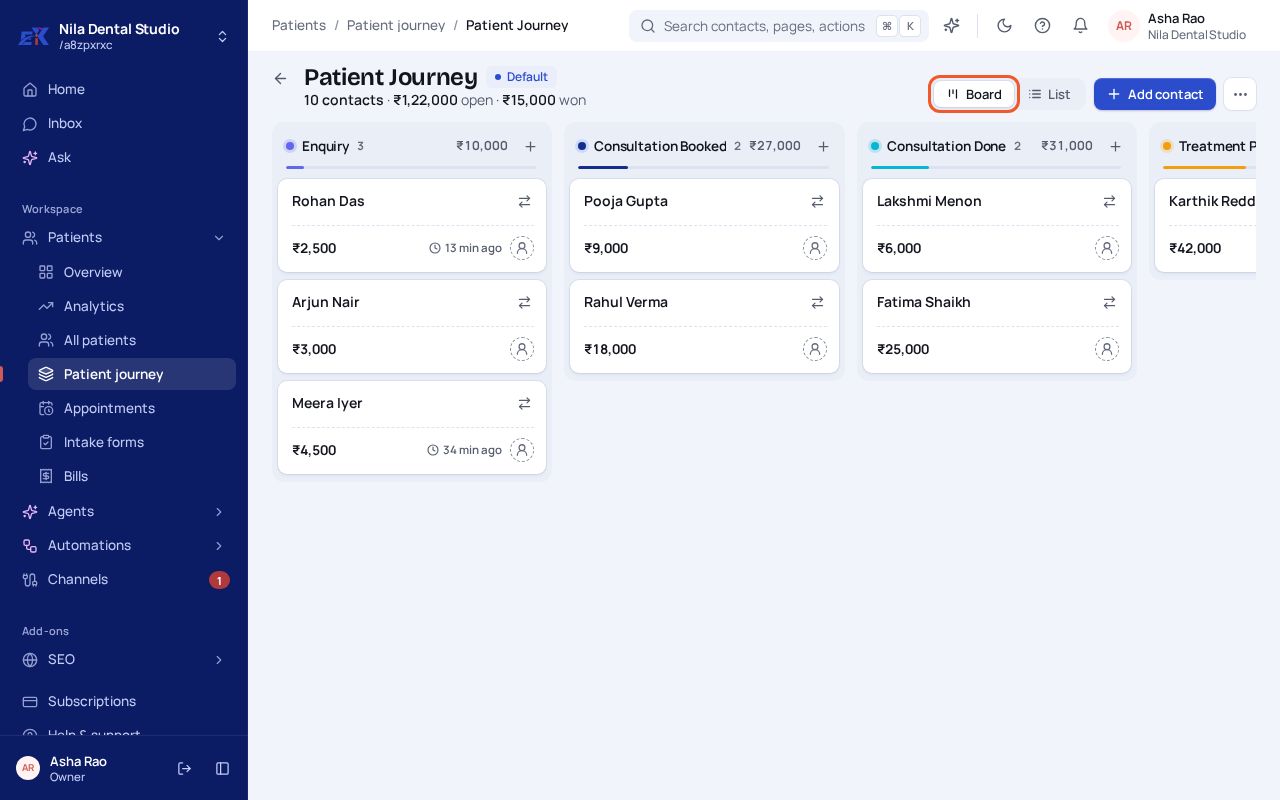
Step 2. Drag a card to the next stage when something changes. Select a card to open the contact.
Was this page helpful?