
Add a contact
Add a customer by hand, or bring in your list from a spreadsheet.
How-to2 minChecked against ERIX on
People who message you, fill a form or book online are added for you. Add someone yourself when they called, walked in or came by word of mouth.
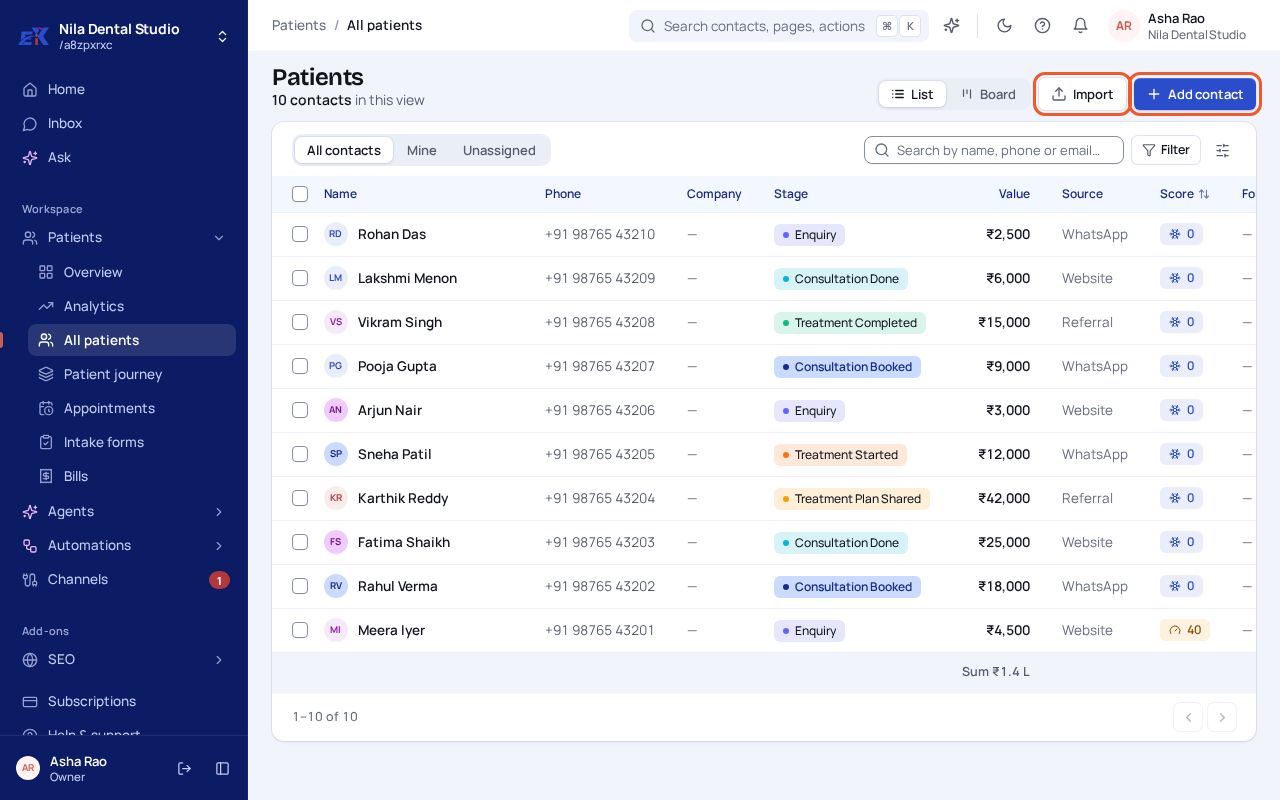
Step 1. Open Customers › All customers (your workspace may say Patients, Buyers or Students). Select Add contact.
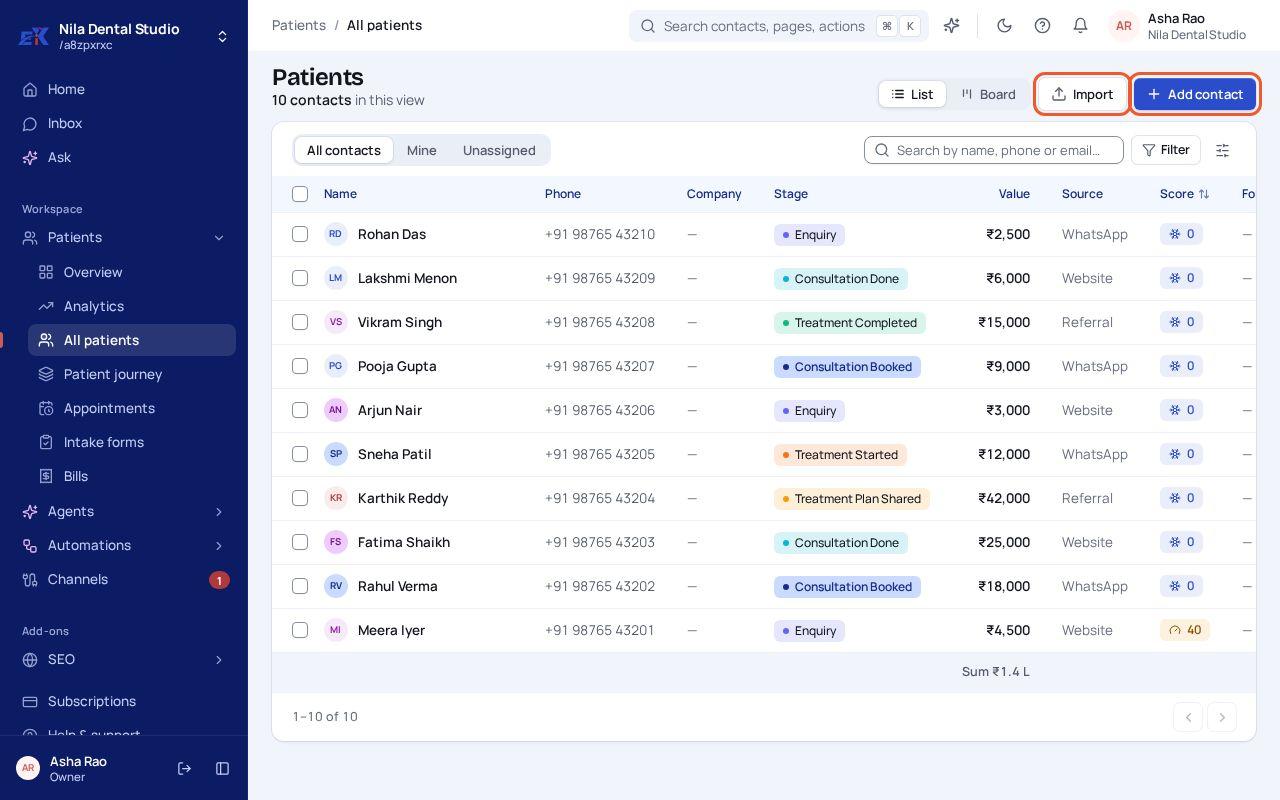 (opens the full-size image)
Step 2. Enter at least a First name and a Phone number. Add an email, company, deal value and source if you have them.
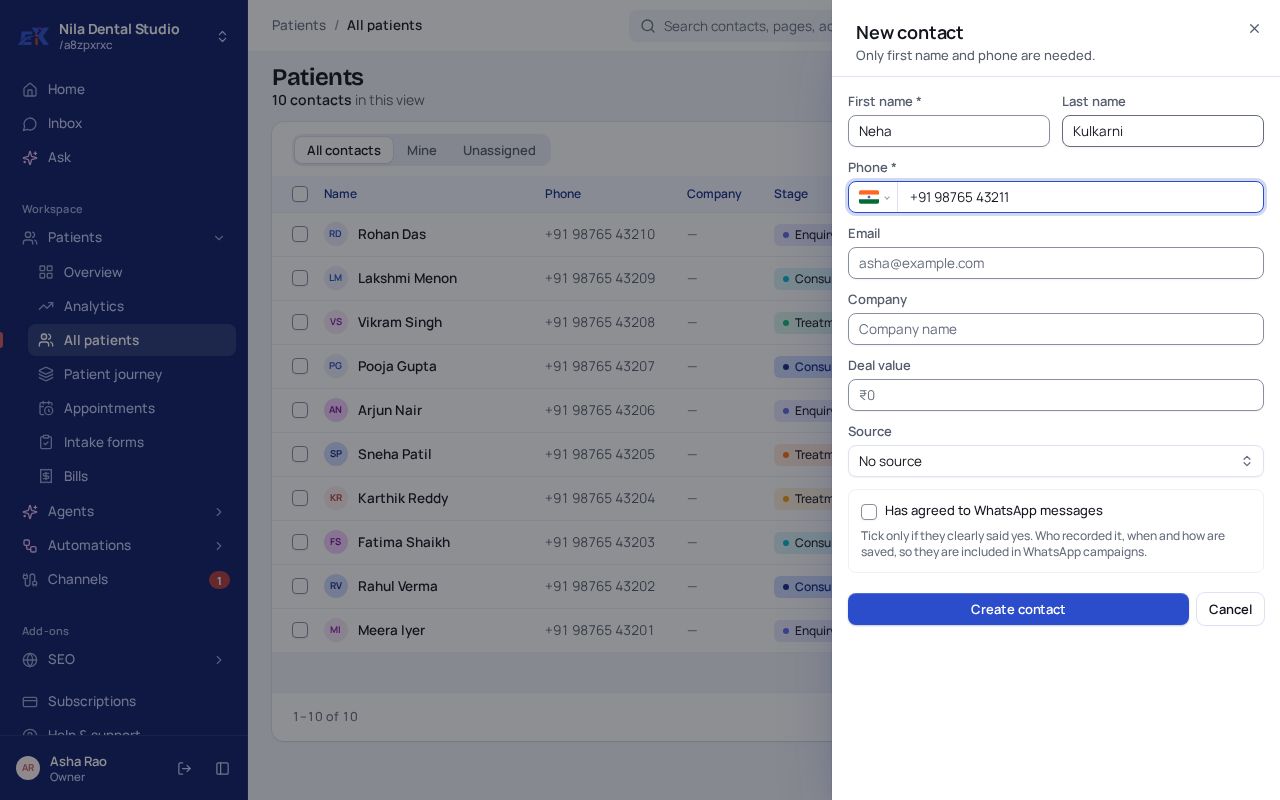 (opens the full-size image)
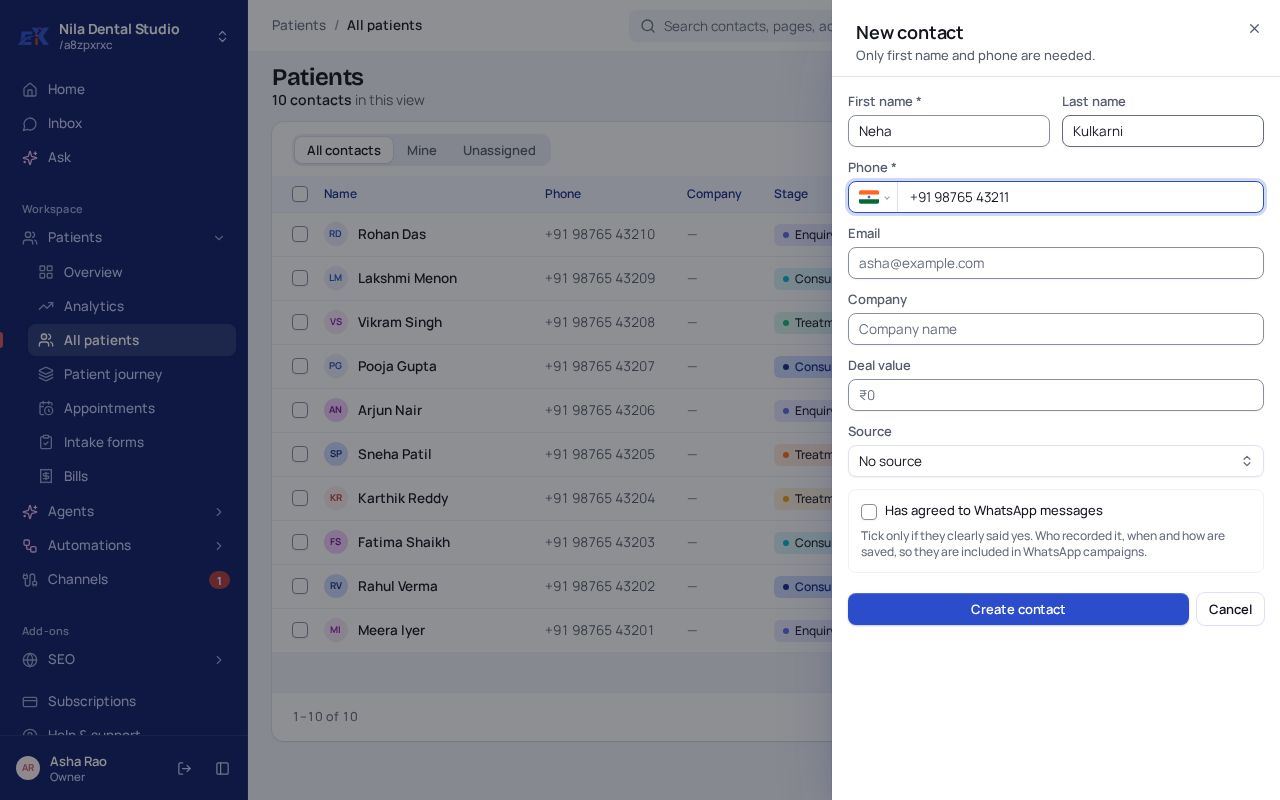
Step 3. Tick Has agreed to WhatsApp messages only if they clearly said yes. Then select Create contact.
If something isn't right
The same person is saved twice.
Open one of them and use More › Merge with… to combine the two records.
Was this page helpful?