
Export or erase a customer's data
Give a customer a copy of their data, or delete it when they ask.
How-to2 minChecked against ERIX on
Before you start
- You are the owner or an admin of the workspace.
Step 1. Open the contact from Customers › All customers.
Step 2. Select More, then Export data to download everything ERIX holds about them, or Erase contact to delete it.
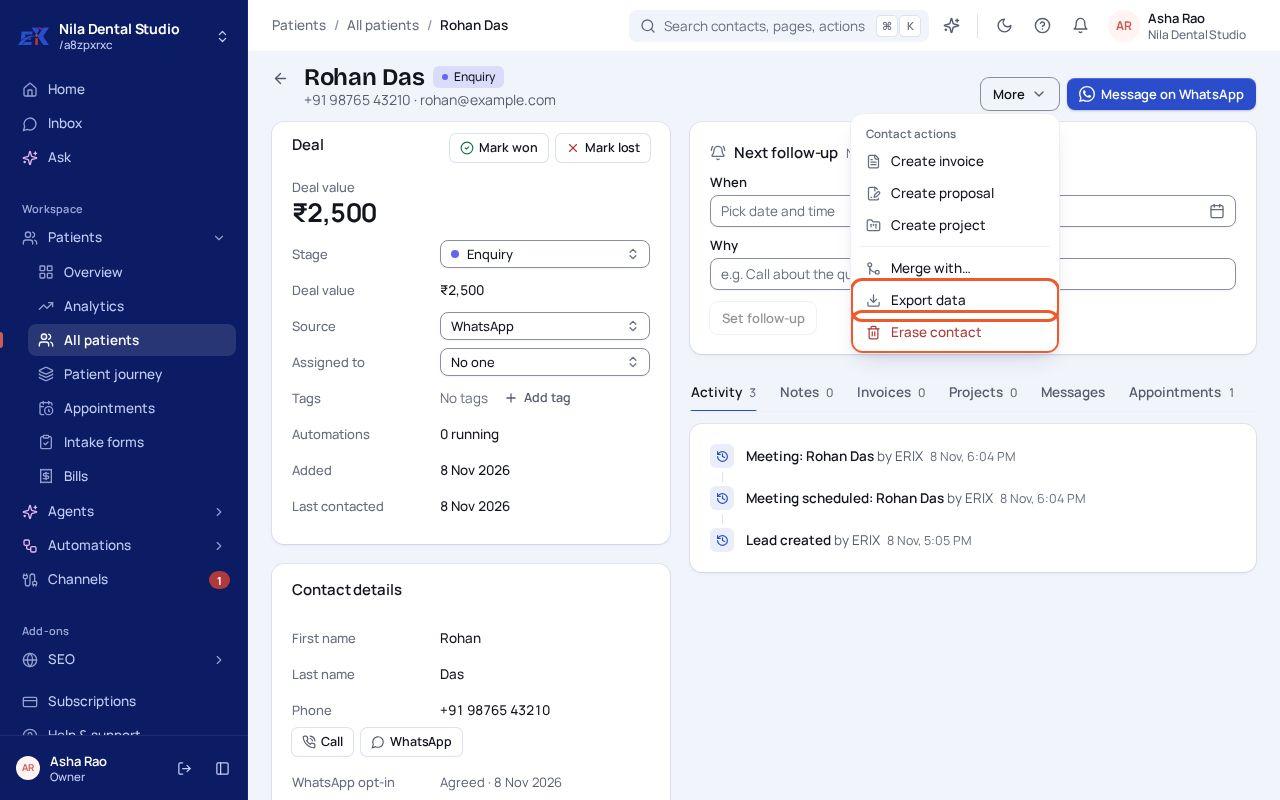 (opens the full-size image)
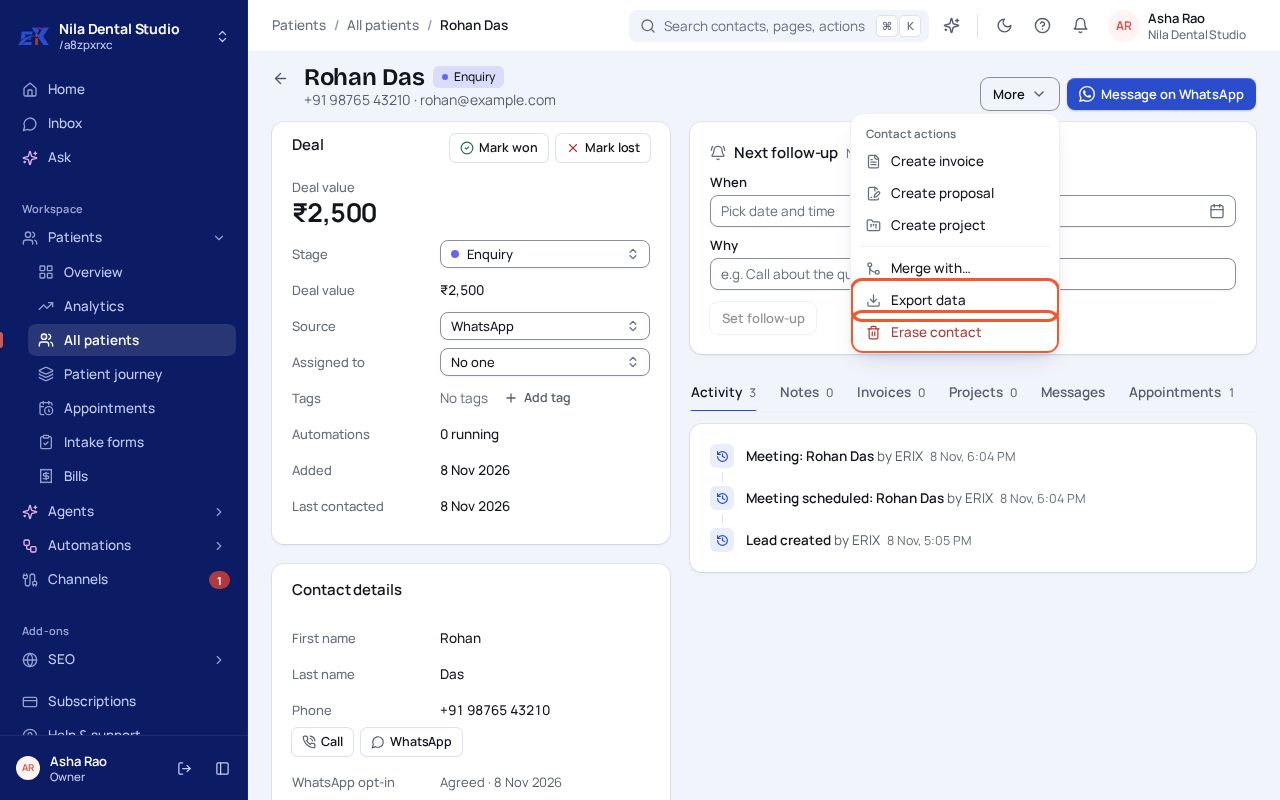
Step 3. Erasing asks you to confirm. It can't be undone.
For the whole workspace
Settings › Data and privacy lets you export all your workspace's data, set the privacy contact shown on your forms and consent text, and delete the workspace.
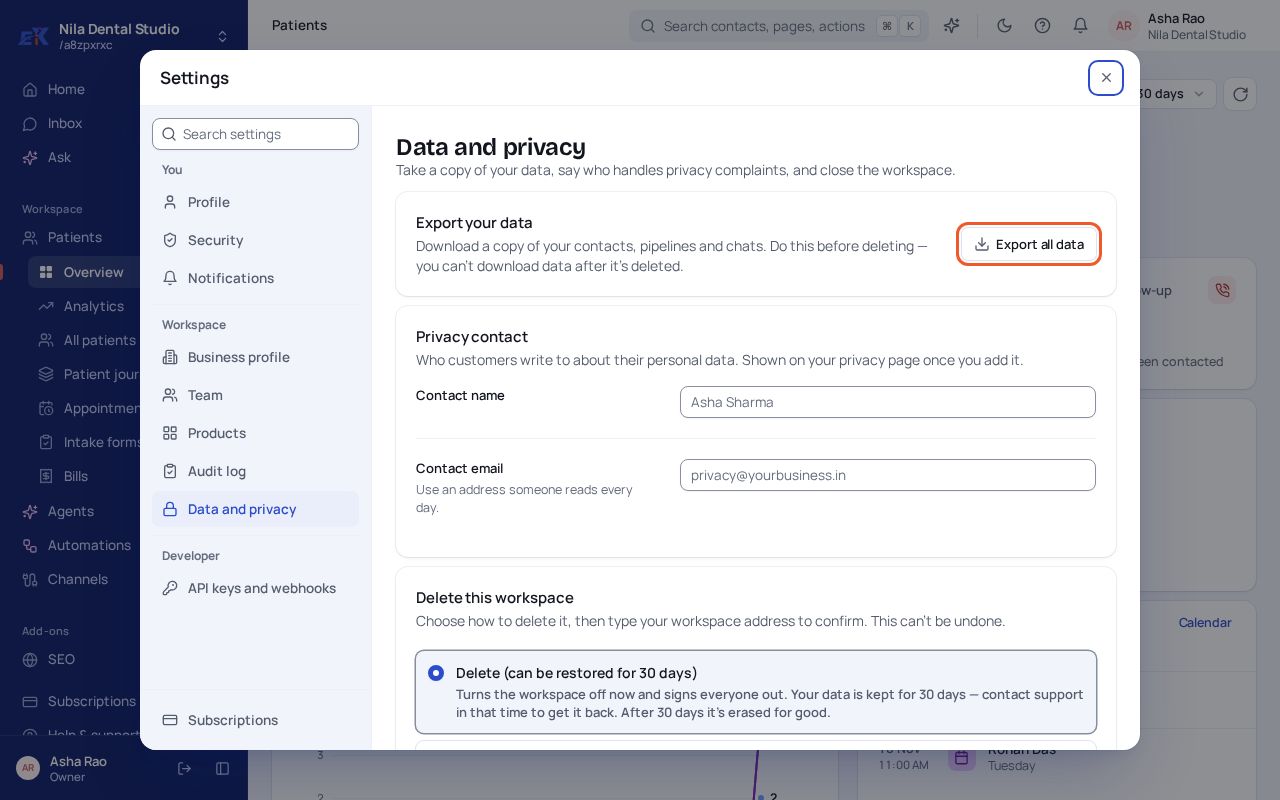 (opens the full-size image)
Was this page helpful?