
Reply to a customer
Open a conversation from any channel and answer it from one place.
How-to2 minChecked against ERIX on
Before you start
- At least one channel connected, such as WhatsApp or website chat.
Every chat lands in Inbox, whatever channel it came from. Each person has one row; if they wrote on more than one channel, you get a tab for each above the chat.
Step 1. Open Inbox. Unread conversations show a red count. Select the one you want to answer.
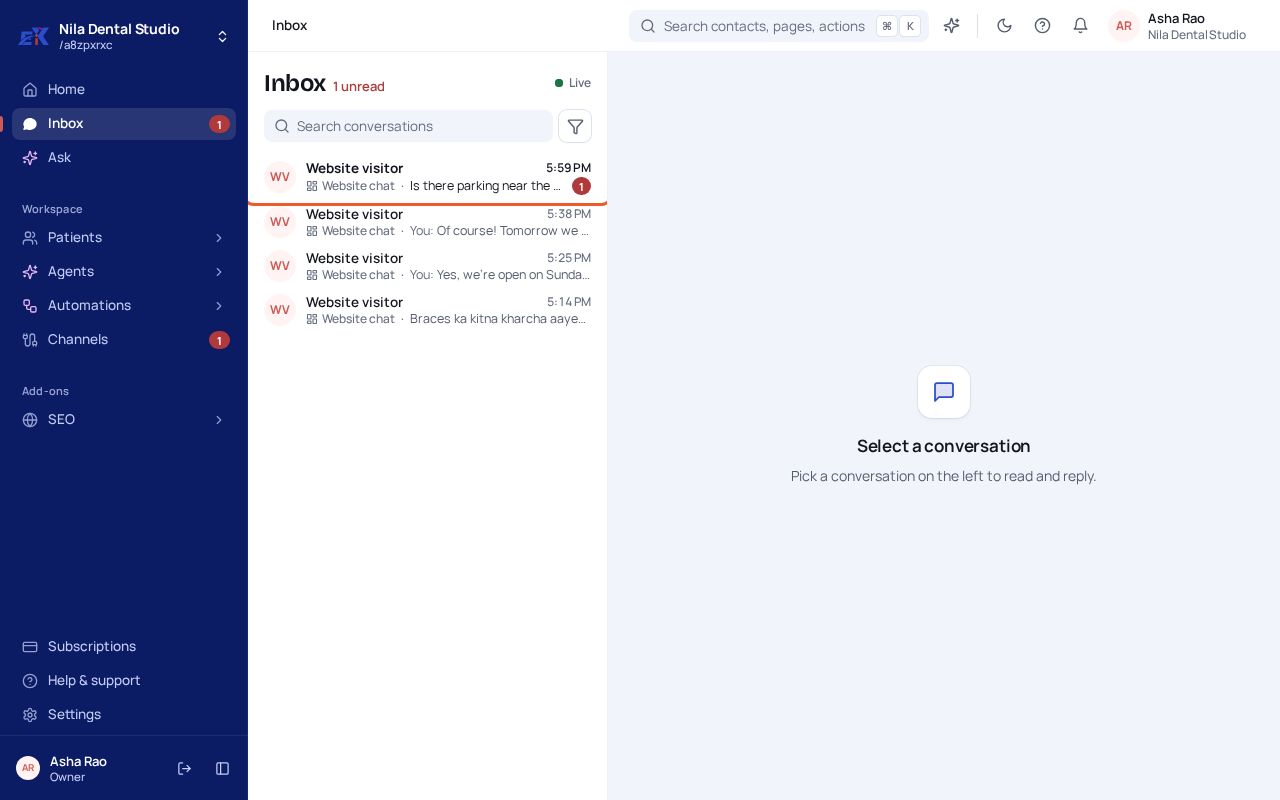 (opens the full-size image)
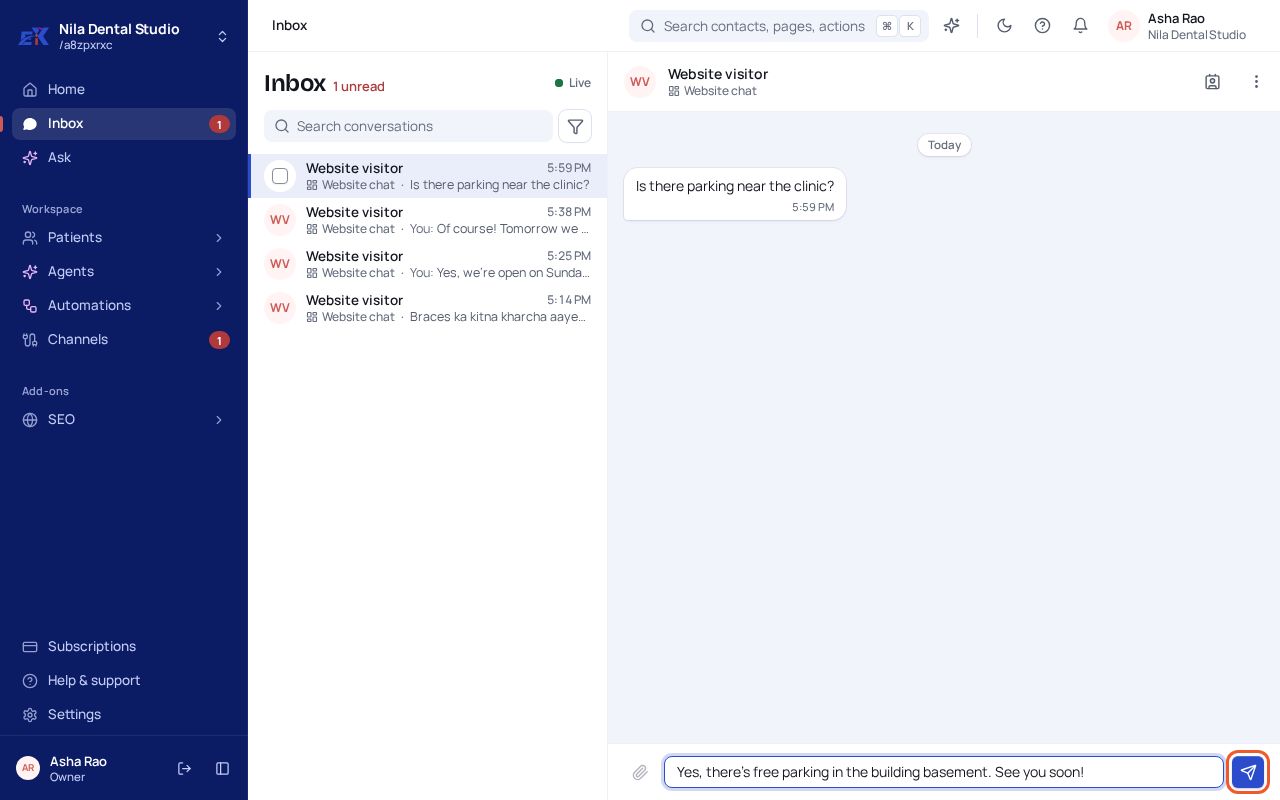
Step 2. Type your reply in the box at the bottom, then select the send button.
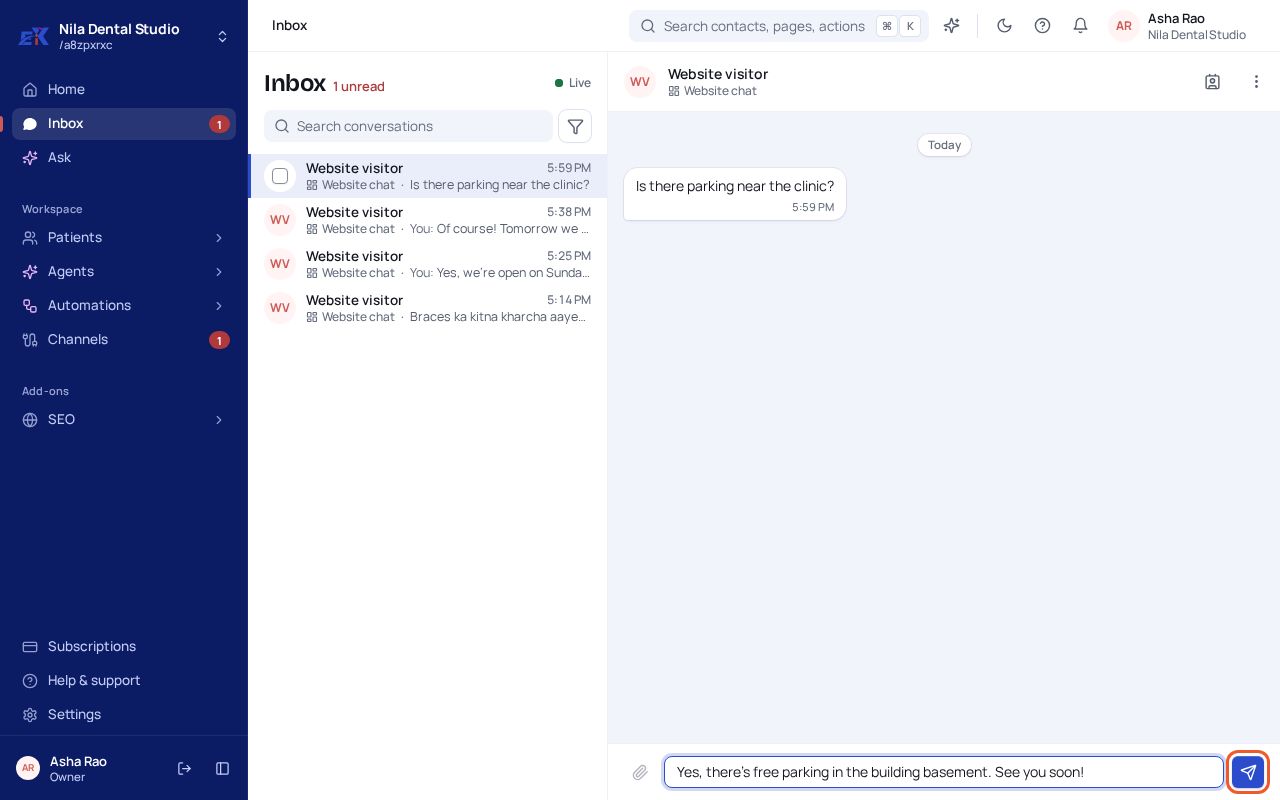 (opens the full-size image)
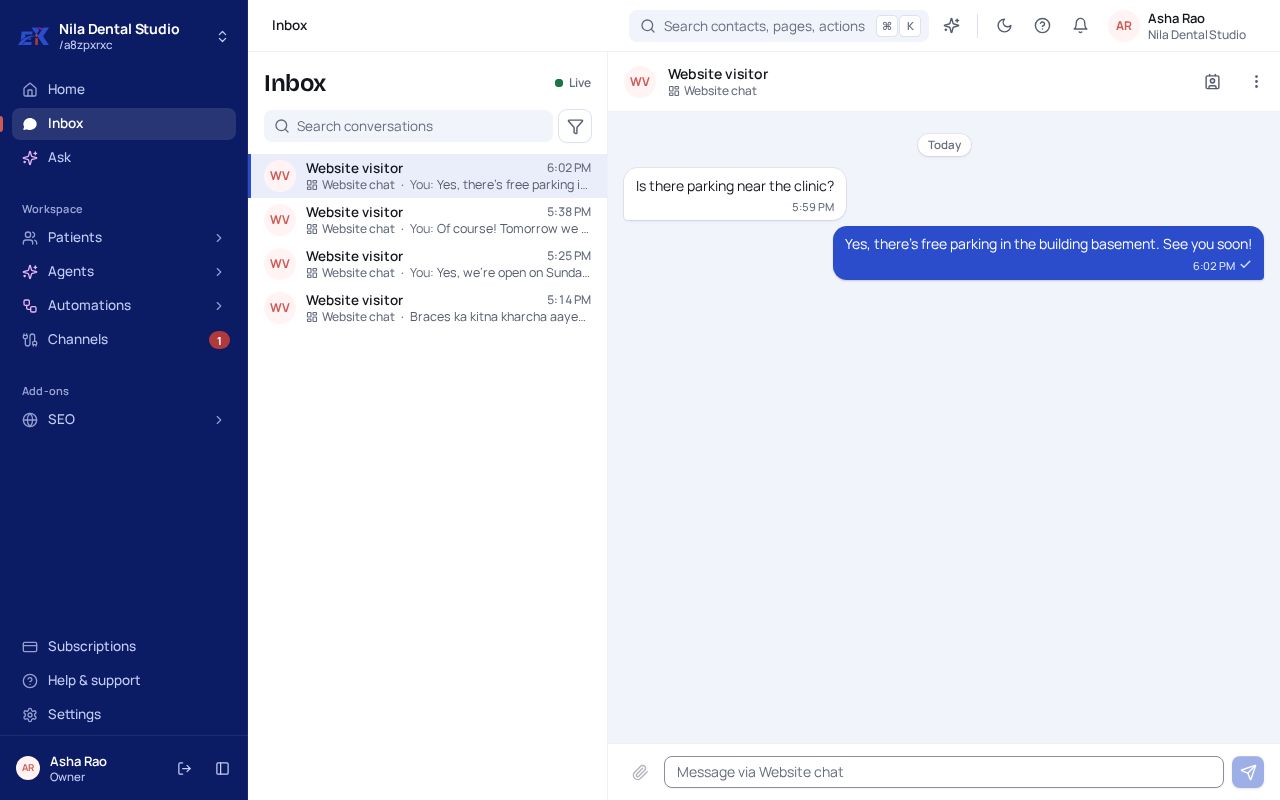
Step 3. Your reply appears on the right with its delivery ticks. The customer gets it on the channel they used.
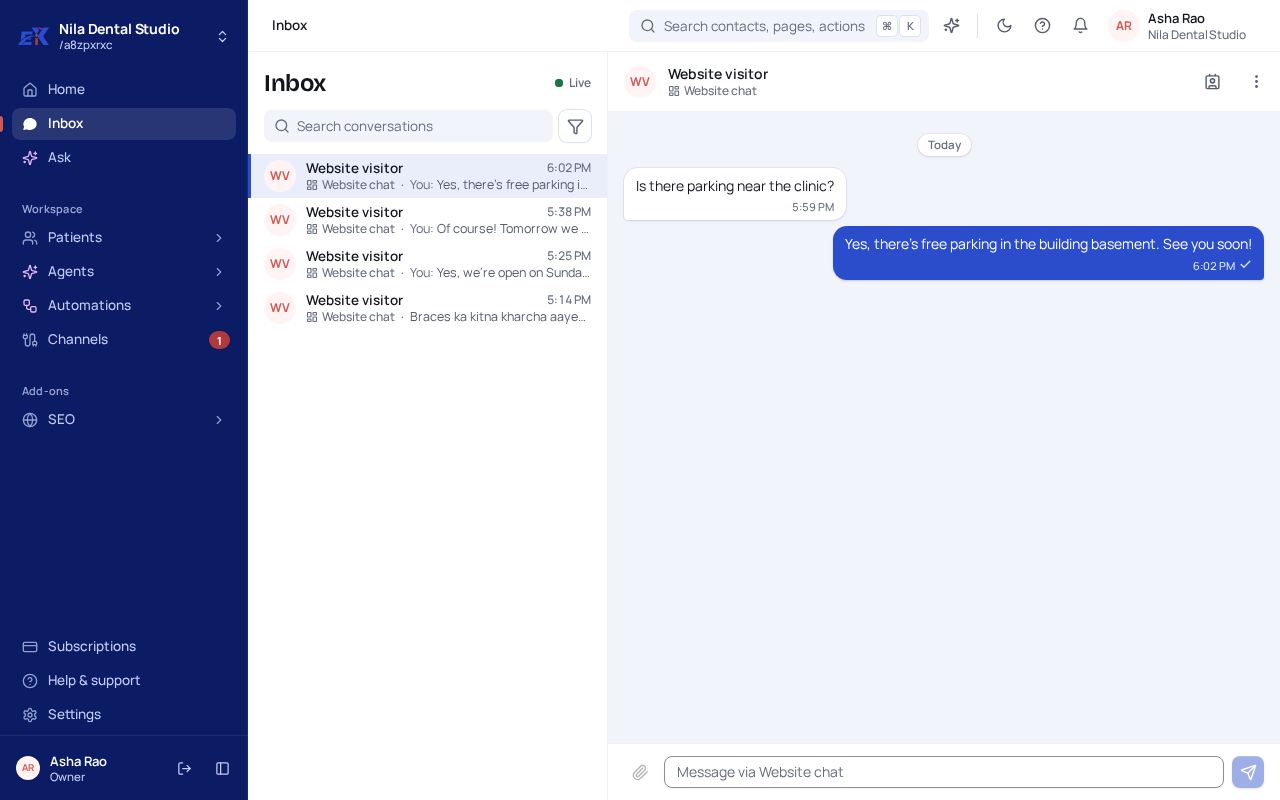 (opens the full-size image)
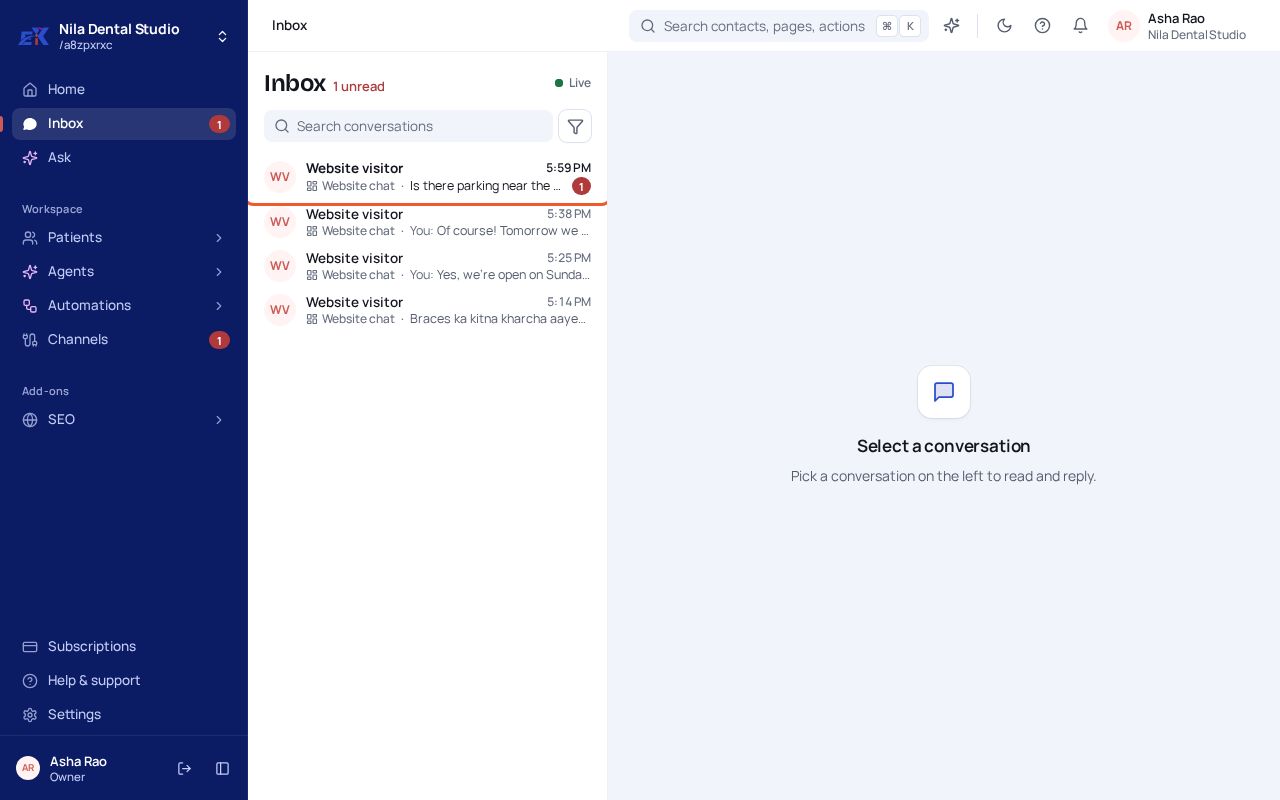
If something isn't right
My reply shows a red mark.
It wasn't delivered. Open the message to see why, for example a closed 24-hour window or a disconnected number, and check Channels.
The same person shows up twice.
ERIX groups threads by phone number and by the contact they're linked to. Link the other thread to the same contact and they show as one person.
Was this page helpful?
Related
- Find chats and work on many at onceFilter the inbox by channel or unread, and mark many chats read or delete them in one go.
- Approve what the agent draftsSend, change or dismiss replies and actions the agent held back for you.
- Connect your WhatsApp numberAdd your business number through Meta's official WhatsApp API so chats and campaigns run from ERIX.