
Find chats and work on many at once
Filter the inbox by channel or unread, and mark many chats read or delete them in one go.
How-to2 minChecked against ERIX on
Show only some chats
Step 1. Select the filter button next to the search box. Pick Unread, or a channel under Source.
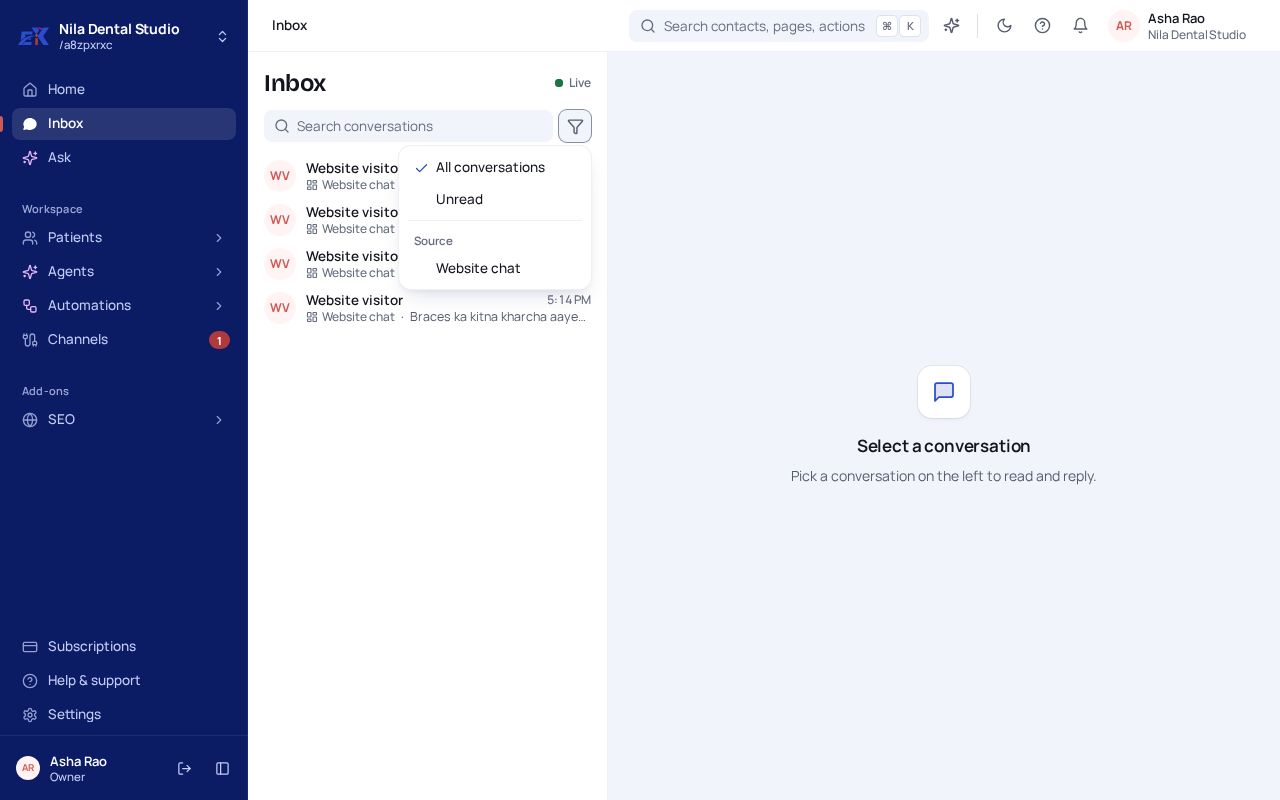 (opens the full-size image)
Step 2. To clear it, open the menu again and pick All conversations.
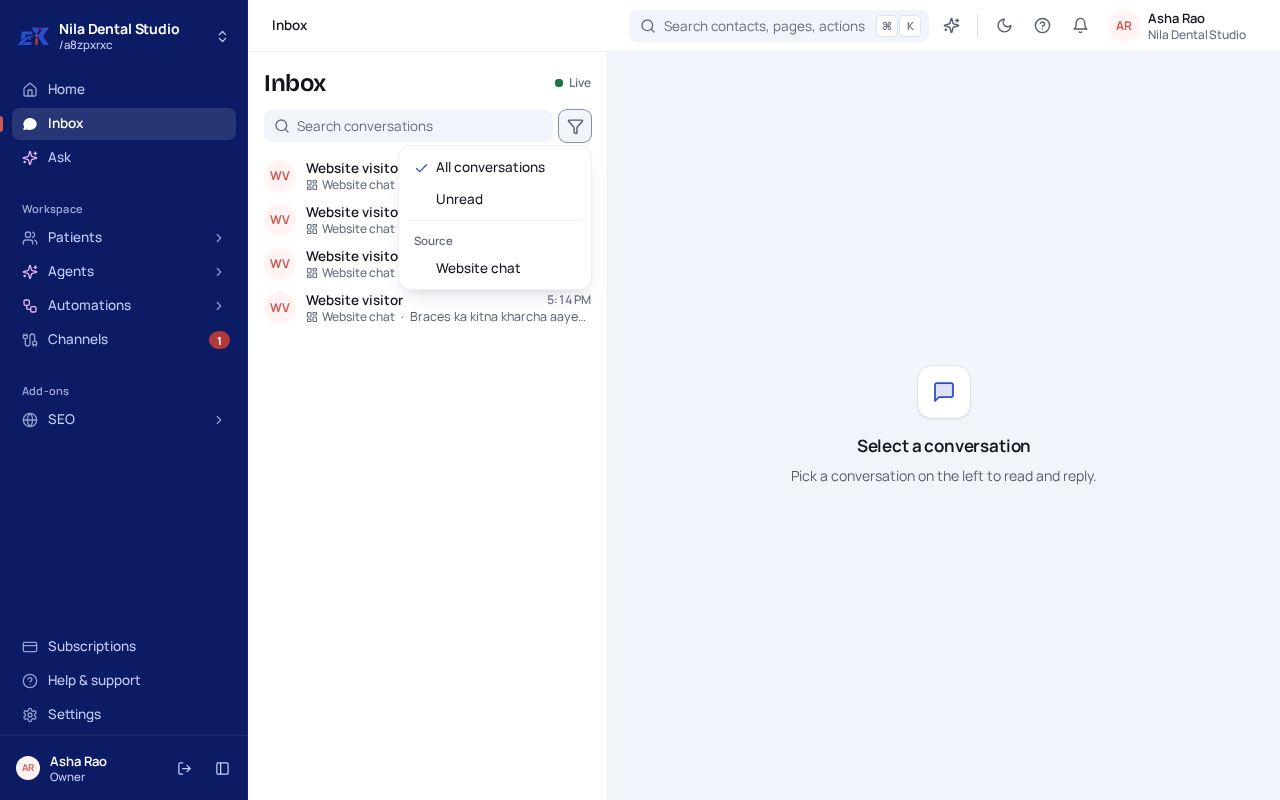
Mark many chats read, or delete them
Step 1. Hover a chat and tick the box over its picture. Tick as many as you need, or use the box at the top to pick every chat shown.
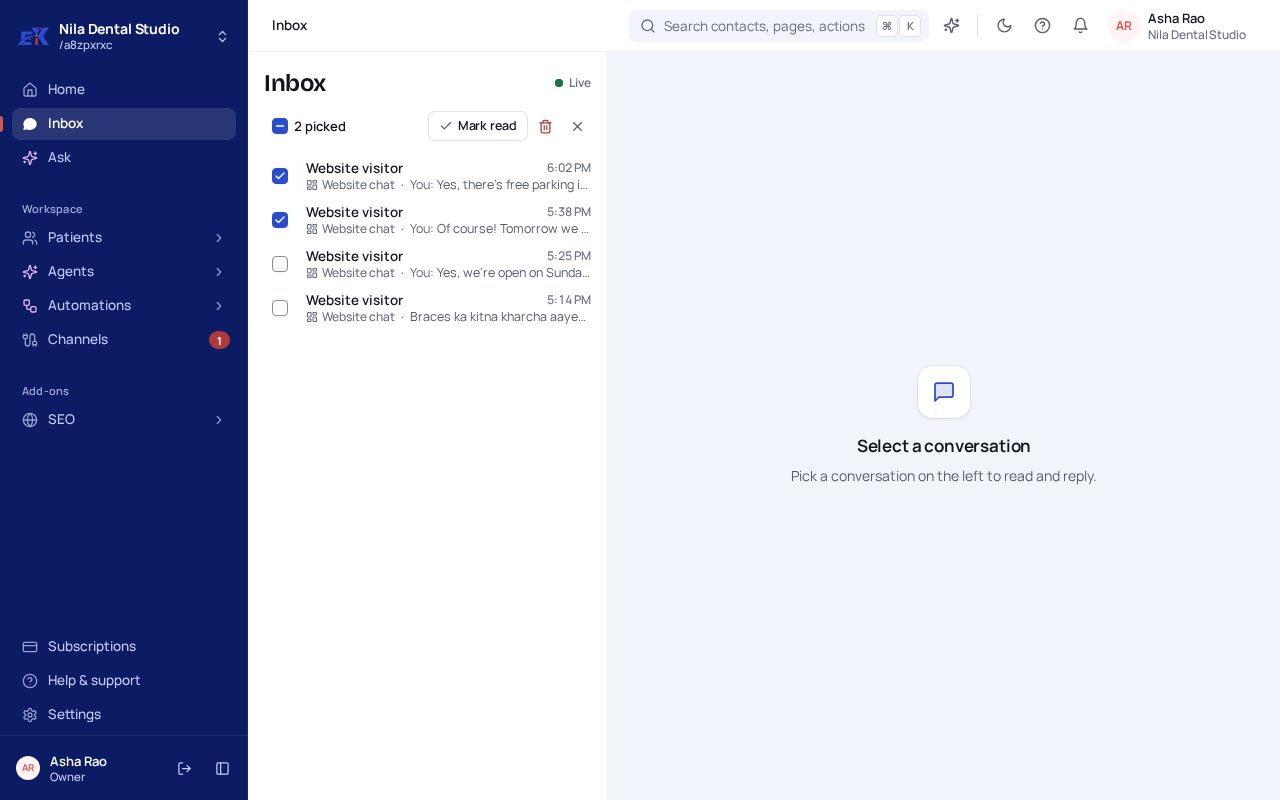 (opens the full-size image)
Step 2. Select Mark read, or the bin to delete the picked chats. Deleting asks you to confirm first.
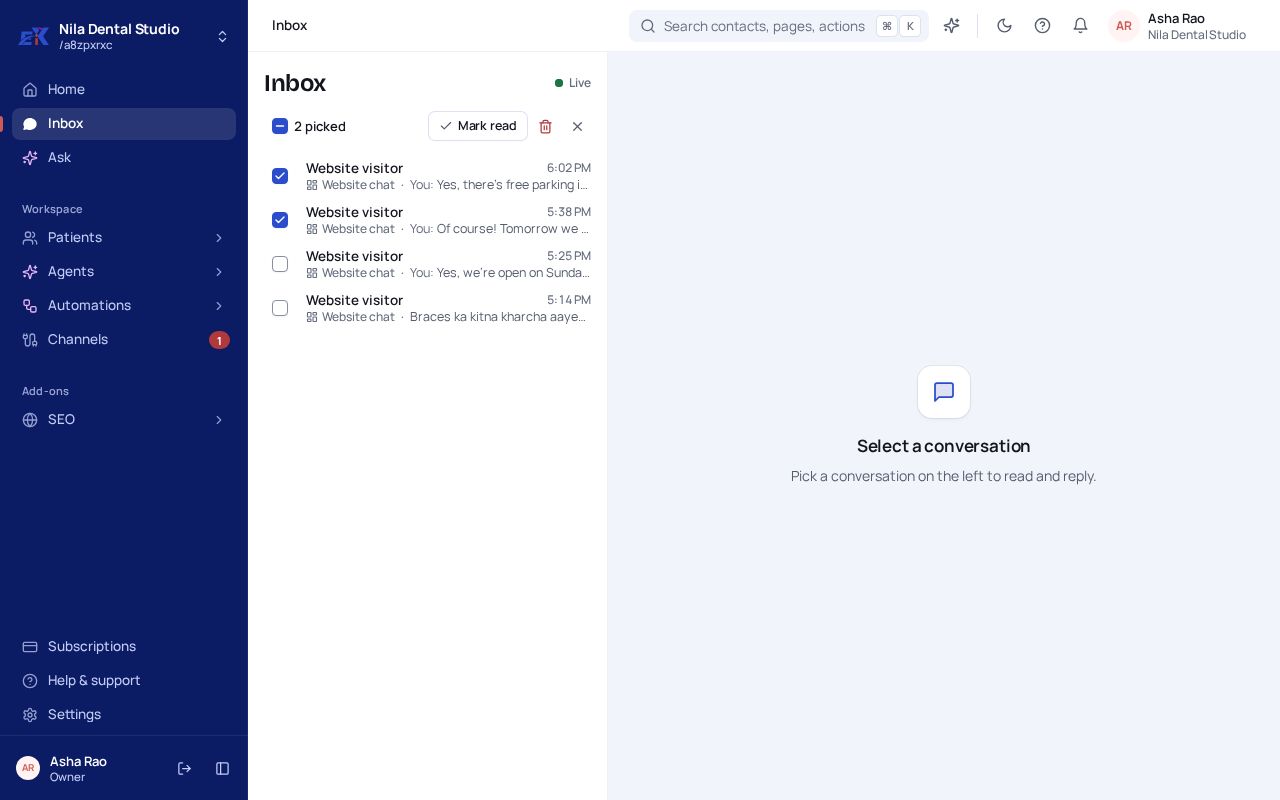
Was this page helpful?