
Connect your WhatsApp number
Add your business number through Meta's official WhatsApp API so chats and campaigns run from ERIX.
How-to6 minChecked against ERIX on
Before you start
- A laptop or computer with Chrome.
- The Facebook login that is an admin of your business.
- The number can get an SMS or a call for the verification code.
- A payment method in Meta for WhatsApp's message charges. Meta bills these to you directly.
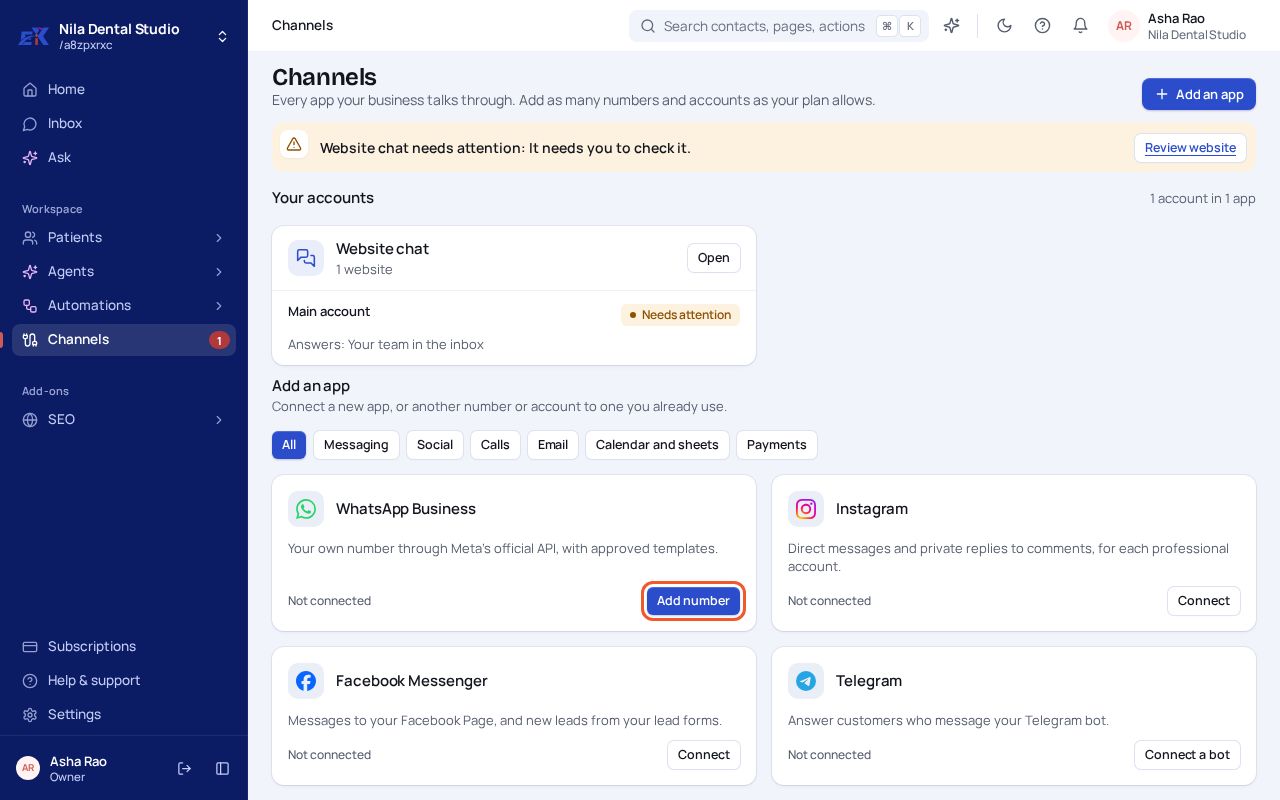
Step 1. Open Channels. On WhatsApp Business, select Add number.
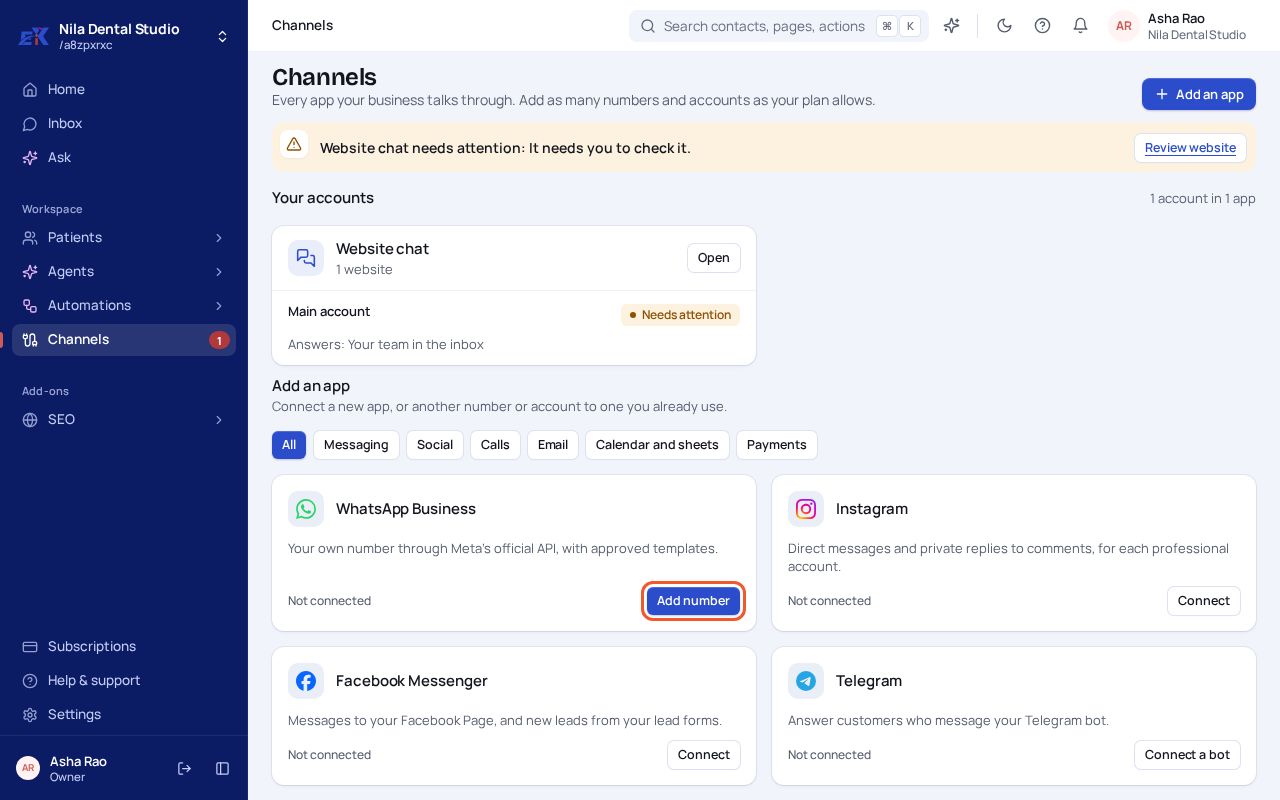 (opens the full-size image)
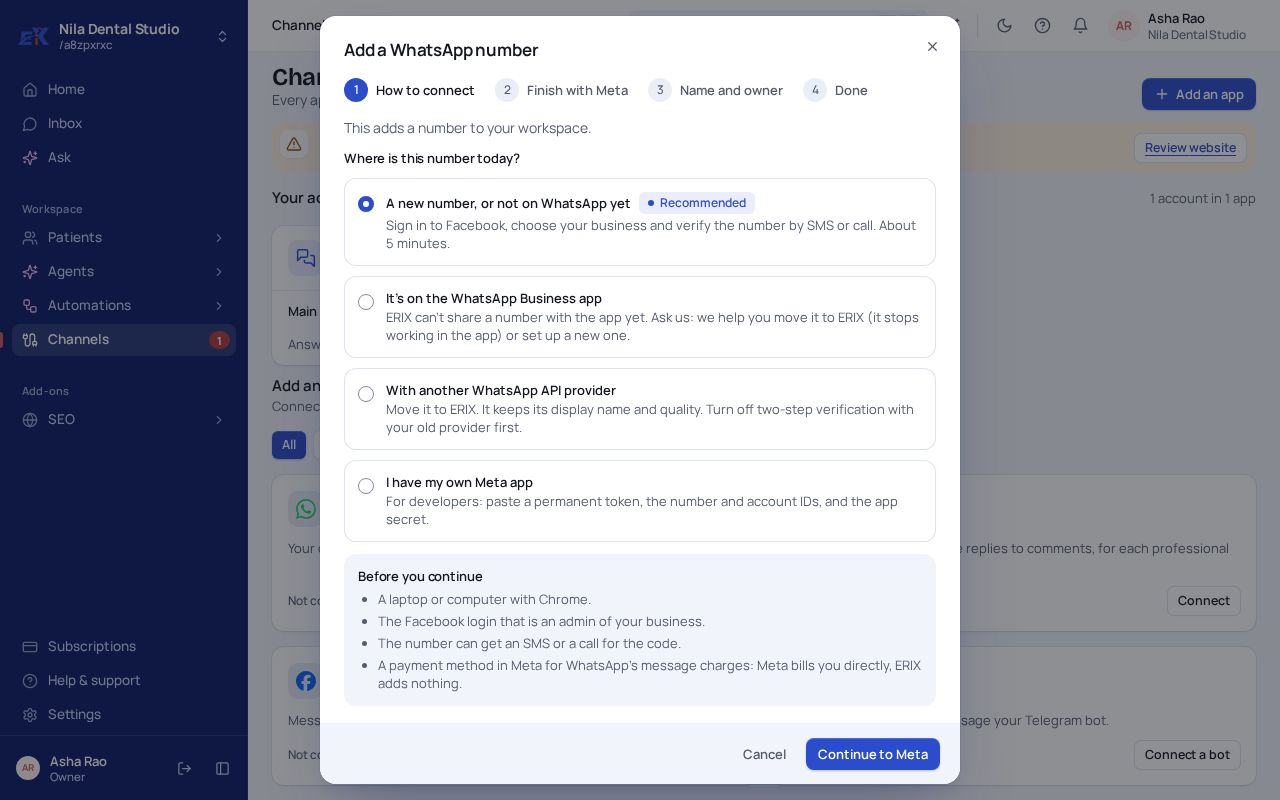
Step 2. Choose where the number is today. A new number is the quickest. A number on the WhatsApp Business app or with another provider can be moved; the window says what to do first.
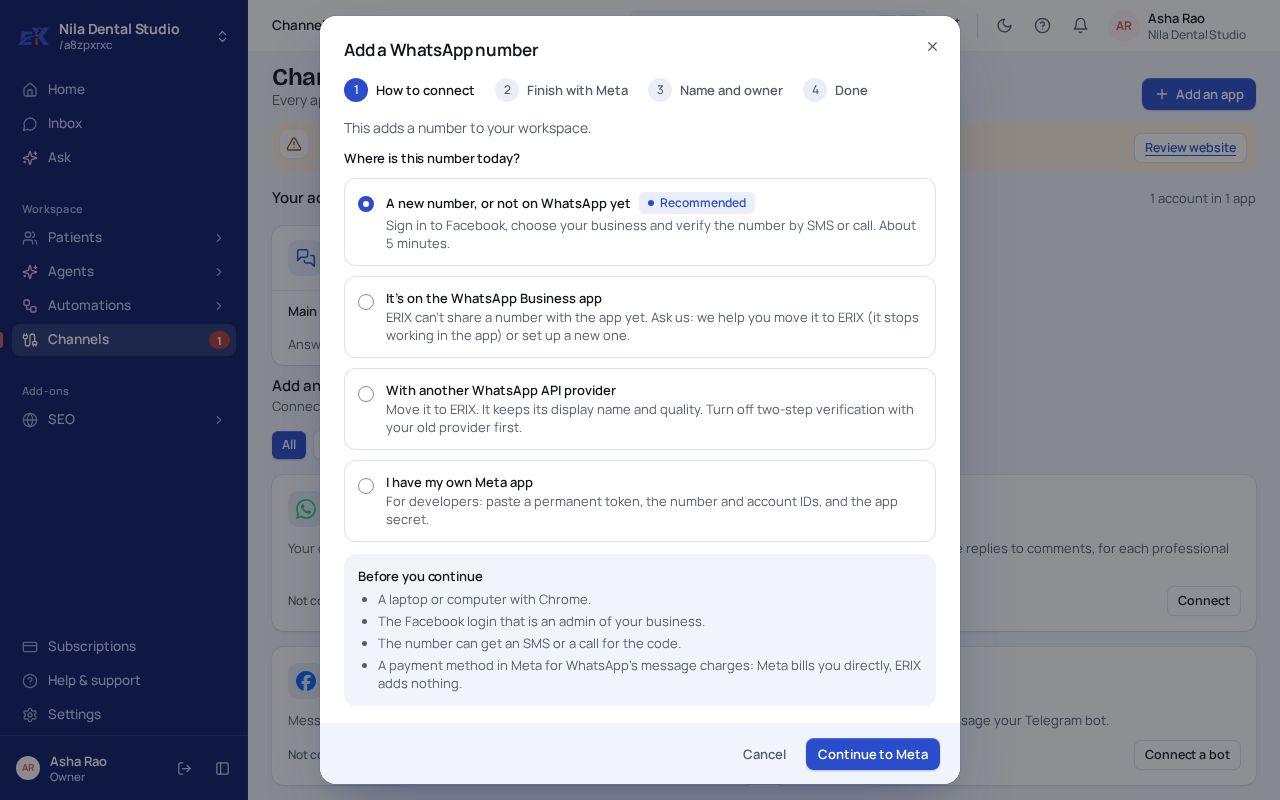 (opens the full-size image)
Step 3. Select Continue to Meta. Sign in to Facebook, choose your business, and verify the number with the code Meta sends.
Step 4. Back in ERIX, give the number a name and pick who answers it. Chats on it arrive in your Inbox.
If something isn't right
The Meta window closed before it finished.
Start again from Add number. Allow pop-ups for console.ecodrix.com if your browser blocked it.
My number shows "Needs attention".
Open it from Channels to see what it needs before it can send.
Was this page helpful?