
Invite your team
Add teammates and choose what each of them can see and change.
How-to2 minChecked against ERIX on
Before you start
- You are the owner or an admin of the workspace.
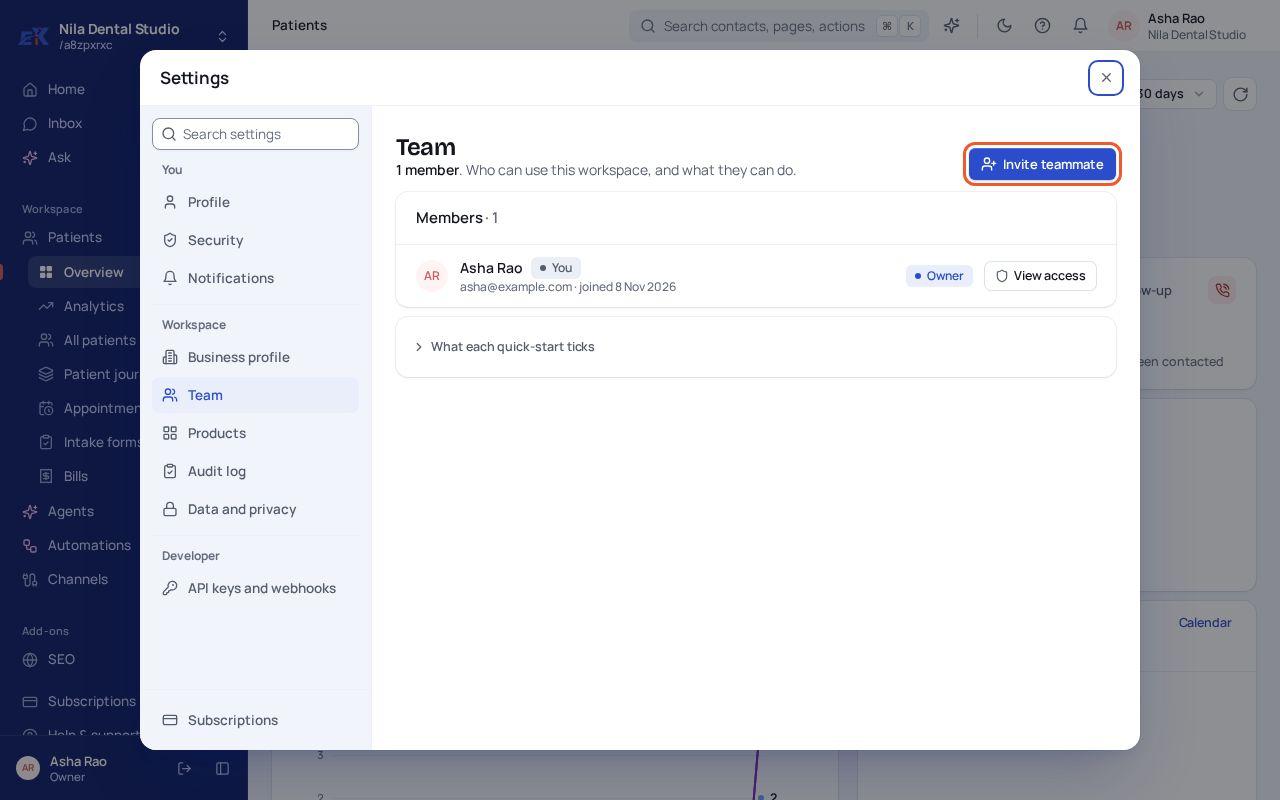
Step 1. Open Settings › Team and select Invite teammate.
 (opens the full-size image)
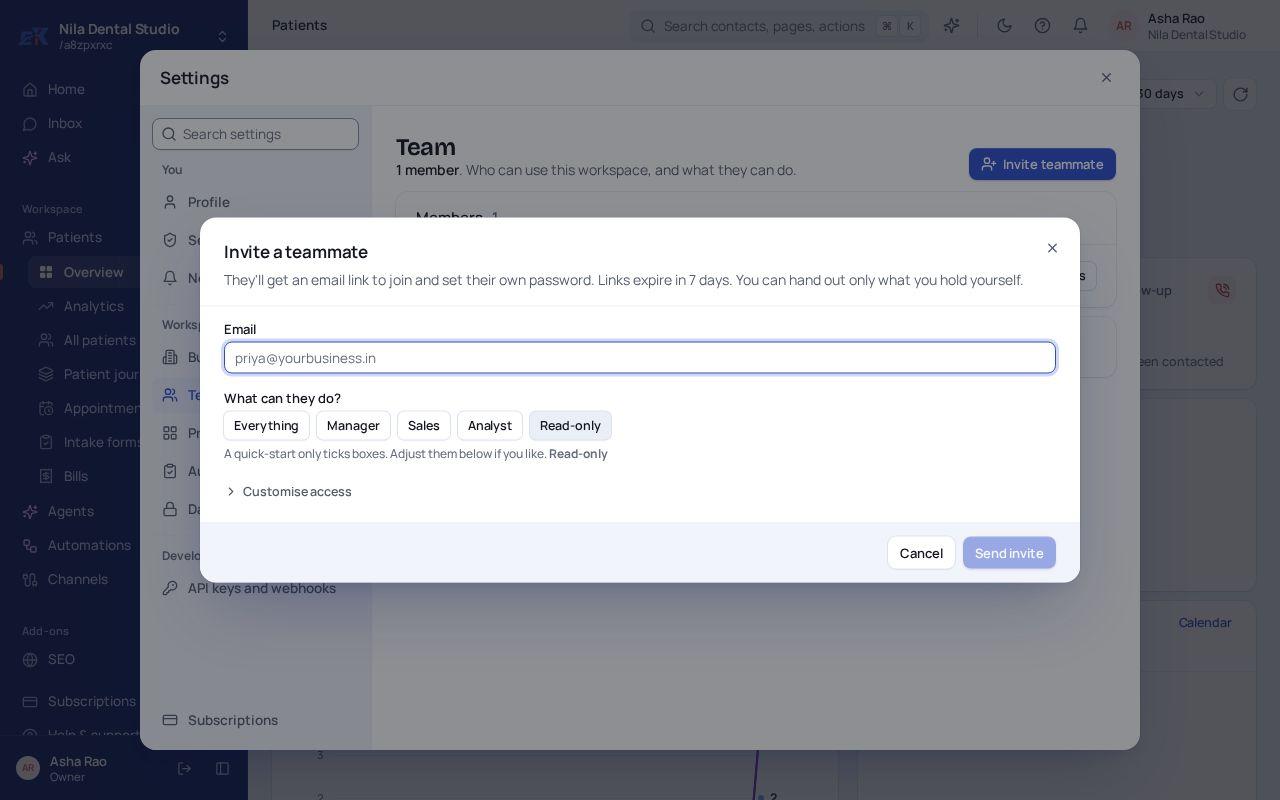
Step 2. Enter their email and pick what they can do: Everything, Manager, Sales, Analyst or Read-only. Select Customise access to fine-tune it.
 (opens the full-size image)
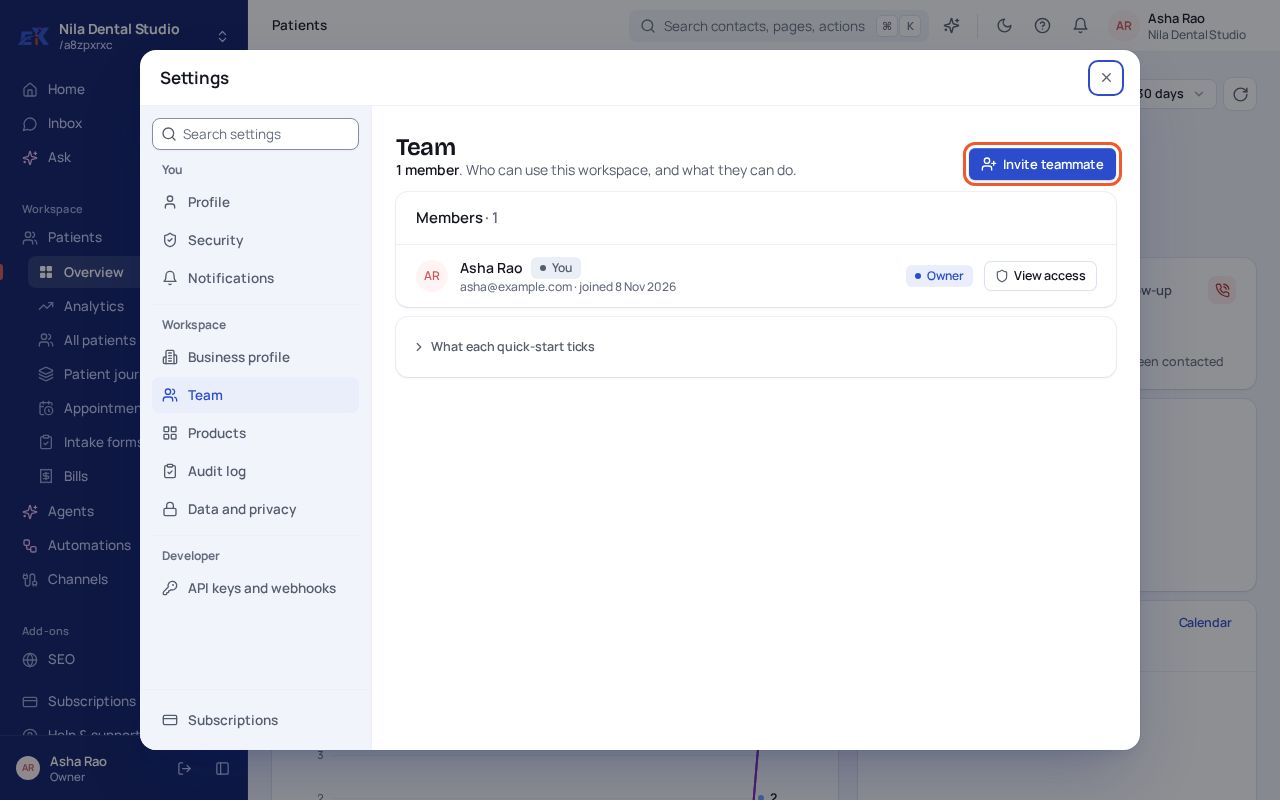
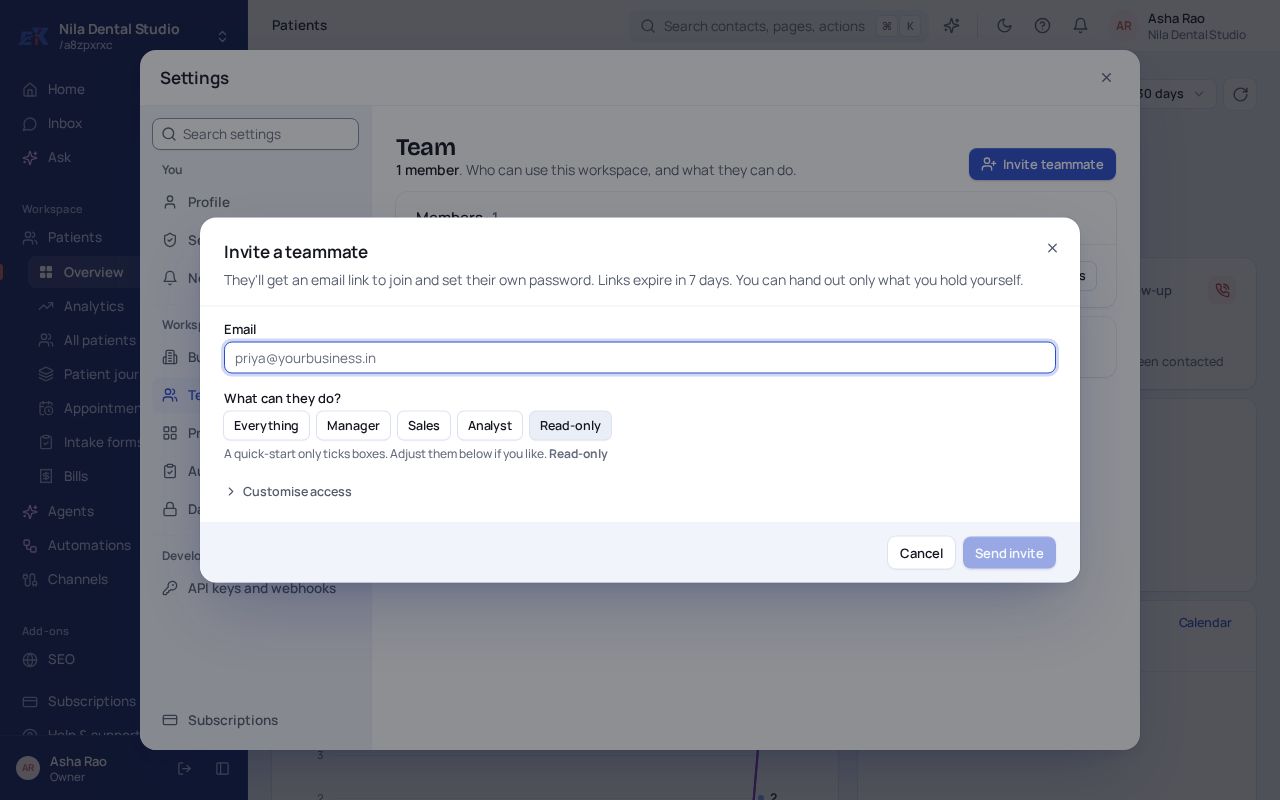
Step 3. Select Send invite. They get an email link to join and set their own password. The link works for 7 days.
If something isn't right
The invite link expired.
Open Settings › Team, find the teammate and send the invite again.
Was this page helpful?