
Choose how much the agent does on its own
Decide whether an agent only suggests, waits for your approval, or acts and reports back.
Explained3 minChecked against ERIX on
Agents lists your AI assistants: one answers customers, one works your contacts and deals, one looks after your channels. Each card shows how much it may do alone.
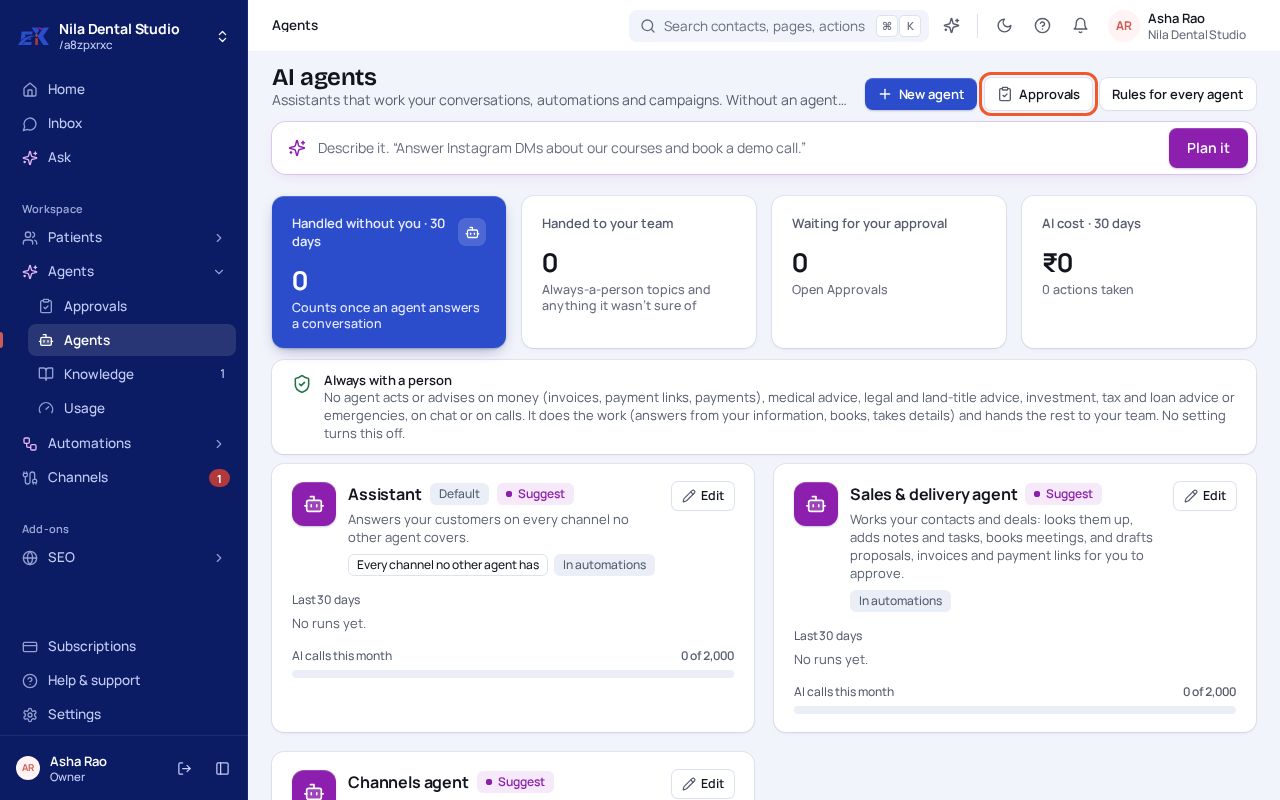 (opens the full-size image)
| Level | What happens |
|---|---|
| Off | The agent does nothing. |
| Suggest | It reads and suggests. Replies and changes wait as drafts; a person makes them. |
| With approval | It prepares the action and waits in Approvals for a yes. |
| Act and report | It acts on its own and tells you what it did. |
Step 1. Select Edit on an agent. Under How much this agent may do on its own, pick a level. Change what it says or does by chatting with it, and switch tools on or off under What it can use.
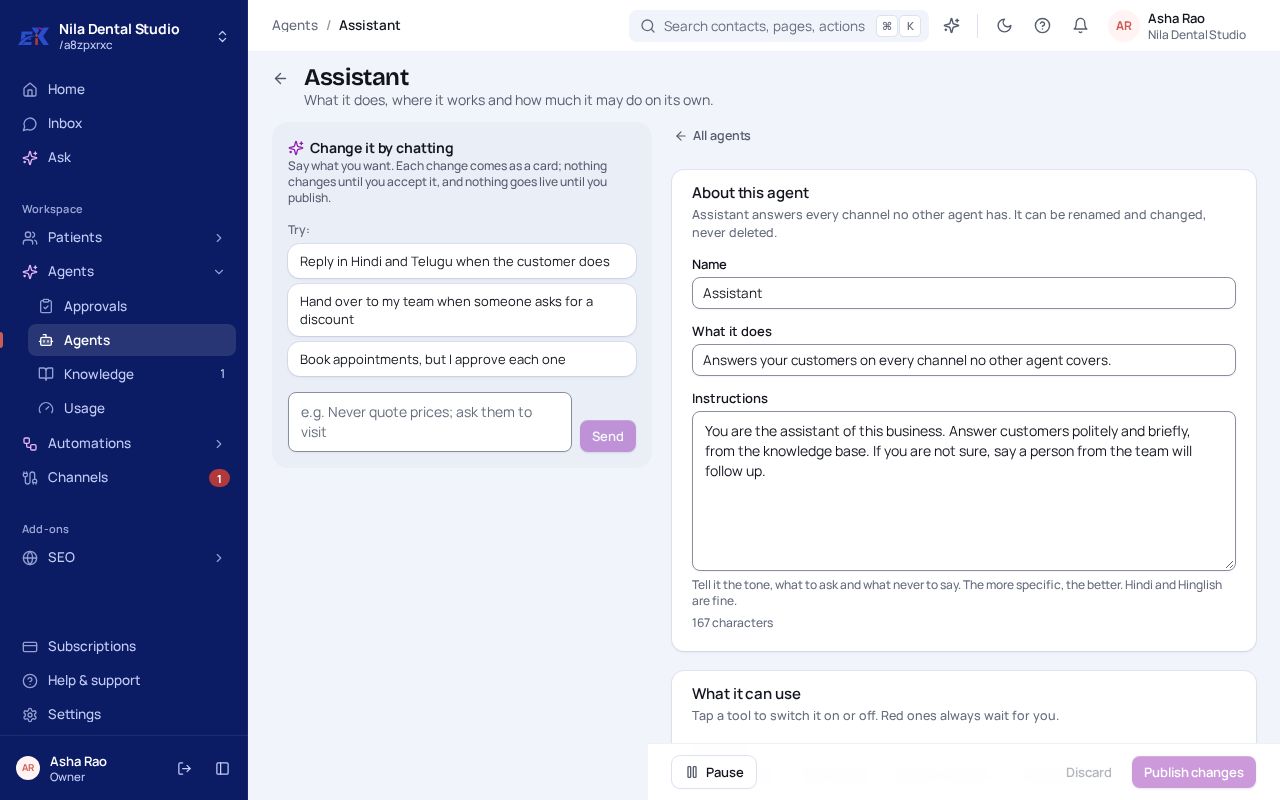 (opens the full-size image)
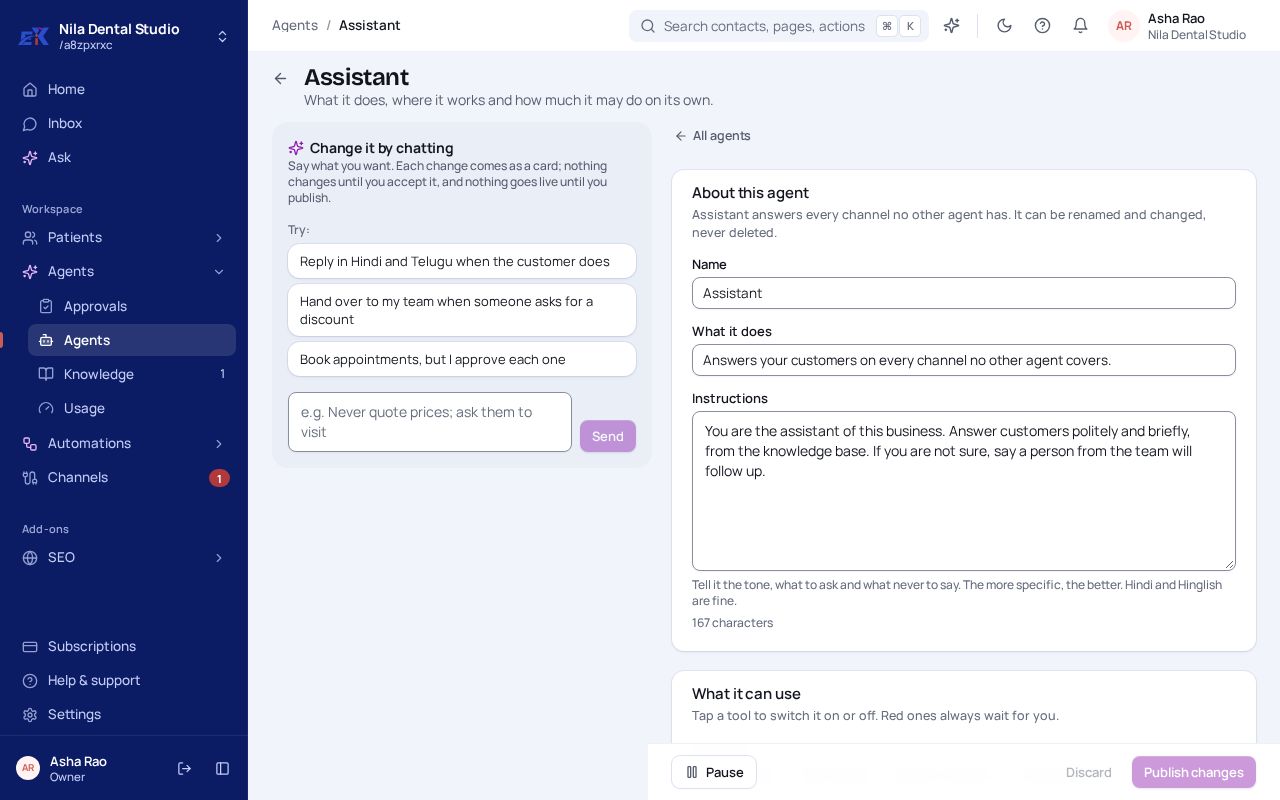
Step 2. Select Publish changes. Nothing changes for customers until you publish.
Was this page helpful?