
Pause all automations
Stop every rule at its next step with one switch, and start them again later.
How-to1 minChecked against ERIX on
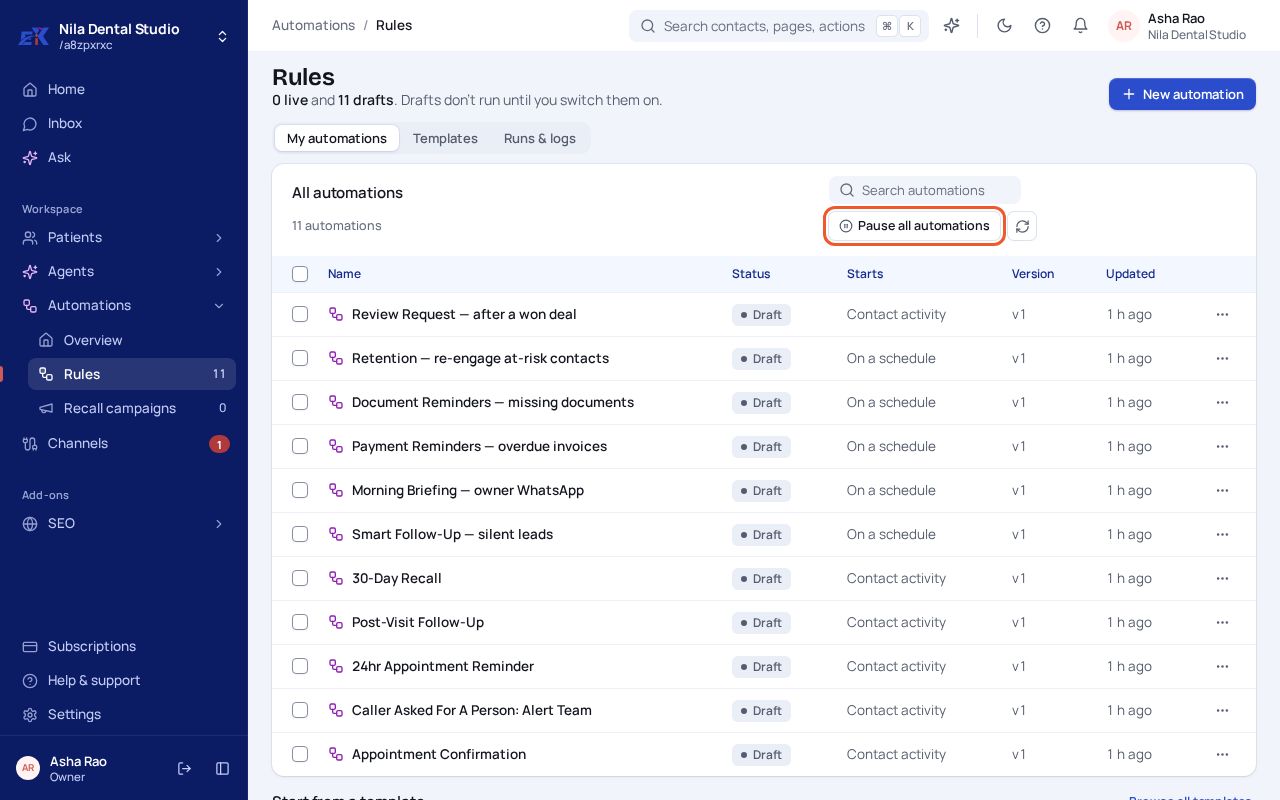
Step 1. Open Automations › Rules and select Pause all automations.
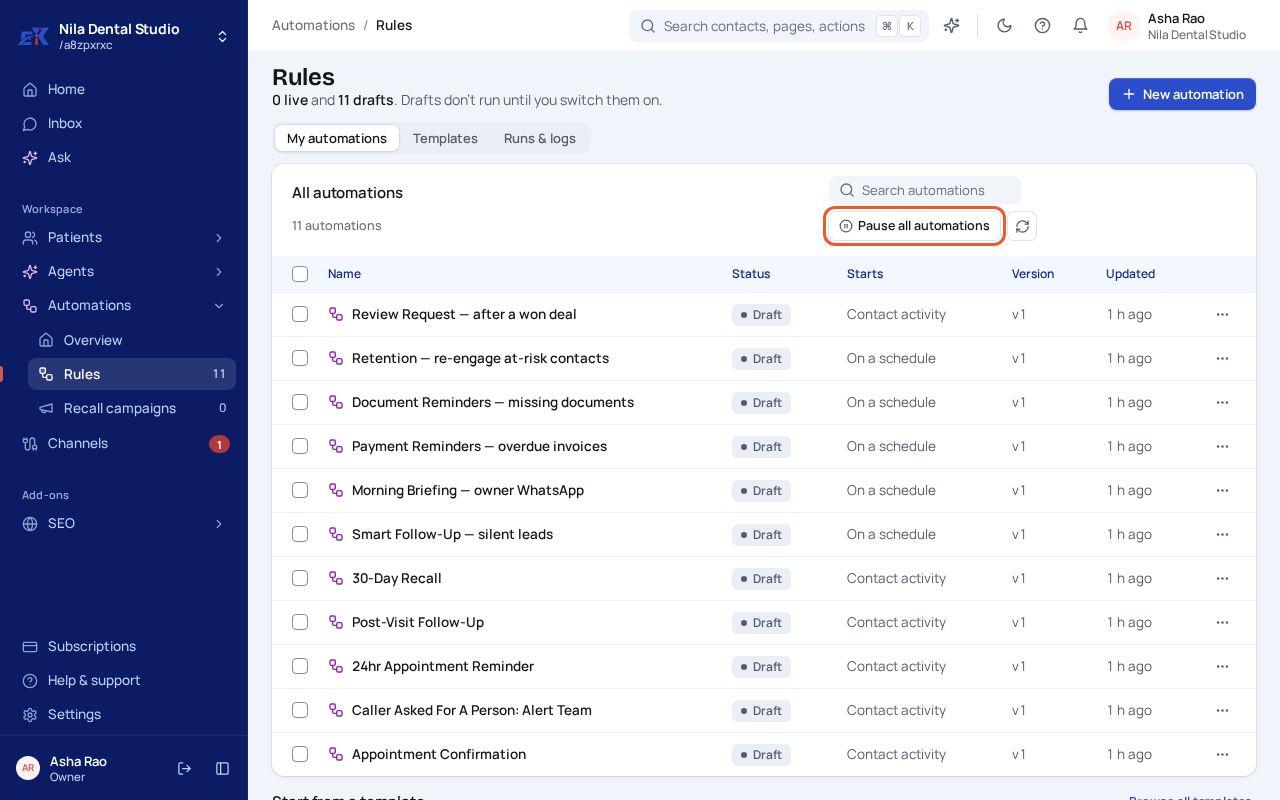 (opens the full-size image)
Step 2. Select Pause all automations again in the window that asks you to confirm. Running automations stop at their next step, and nothing is sent until you turn them back on.
Step 3. To start again, open Automations › Rules and turn automations back on.
Was this page helpful?